If you are searching for how to increase conversion rate on Shopify, the answer starts with sequencing. Most merchants jump straight to discount banners or new apps before they know which step of the funnel is leaking. This guide walks through a practical order of operations: benchmark, diagnose, fix the basics, add offers, and keep testing.
It is written for store owners, DTC teams, dropshippers, and agencies who want a repeatable process rather than a list of tricks.
What Is a Good Shopify Conversion Rate?
Conversion rate is the share of sessions that end in a purchase. The formula is simple: orders divided by sessions, multiplied by 100. If 2,000 sessions produce 40 orders, your conversion rate is 2%. That example is illustrative only, but it shows how small changes compound when traffic is steady.
Why "good" depends on your store
There is no single number that defines a good rate. Results vary by product category, price point, traffic source, device mix, and whether visitors are new or returning. A store selling a $15 consumable to repeat buyers behaves very differently from one selling a $600 considered purchase.
Instead of chasing an industry average, build your own baseline. Compare your rate against your own history, and split it by segment:
- Device: mobile versus desktop.
- Traffic source: paid social, search, email, direct.
- Visitor type: new versus returning.
- Landing page or collection: where the session started.
A blended rate hides problems. A store can look average overall while mobile paid traffic converts far below desktop email traffic. Those gaps are where the easiest wins sit.
Pair conversion rate with other metrics
Conversion rate alone can mislead. A deep discount may raise it while lowering profit. Track it next to average order value, revenue per session, and refund rate. For the revenue side of the equation, see this guide to Shopify average order value optimization, since revenue per visitor is the number that ties both metrics together.
How to Increase Conversion Rate on Shopify: Find the Leak First
Do not fix anything until you know which funnel step is failing. A weak product page needs different work than a leaky checkout. Start with the funnel data already available in your Shopify analytics and add behavior tools for context.
Map the funnel stage by stage
Look at the share of sessions that reach each step: collection or landing page, product page, add to cart, cart view, checkout started, and order completed. The biggest relative drop is your first priority.
| Funnel stage | What to check | Common symptom | Typical first fix |
|---|---|---|---|
| Landing and collection | Bounce rate, scroll depth | Visitors leave without viewing a product | Match page to ad promise, improve navigation |
| Product page | Add to cart rate | Many views, few adds | Clearer images, copy, reviews, pricing clarity |
| Cart | Cart to checkout rate | Shoppers add items but never proceed | Show shipping costs early, simplify the cart |
| Checkout | Checkout completion rate | Abandonment after entering details | Add payment options, remove surprise fees |
Add qualitative evidence
Numbers tell you where people leave. They rarely tell you why. Use session recordings and heatmaps to watch real behavior, such as rage clicks on non-clickable images, ignored size guides, or a cart button hidden below the fold on small screens.
Also collect direct feedback. A one-question exit survey ("What stopped you from buying today?") and a review of customer support tickets often surface objections your analytics cannot, such as unclear returns or doubts about sizing.
Segment before you conclude
Check whether the drop-off is universal or specific. If mobile add to cart is weak but desktop is fine, you have a mobile experience problem, not a product problem. If one traffic source underperforms, the issue may be message mismatch between the ad and the landing page.
Improve the Store Experience Before Adding Offers
Offers amplify a good experience; they do not repair a broken one. Bundles, upsells, and discounts work best on pages that already build trust and make buying easy. Fix the fundamentals first.
Optimize product page content
The product page carries most of the persuasion. Check that it answers the questions a shopper would ask in a physical store.
- Images and video: show scale, detail, and the product in use. Include at least one image that shows what is in the box.
- Benefit-led copy: lead with what the product does for the buyer, then list specifications.
- Social proof: place reviews and ratings near the price and buy button, not buried at the bottom.
- Objection handling: address shipping times, returns, sizing, and materials where doubts arise.
- Clear pricing: make variants, totals, and any quantity pricing easy to understand at a glance.
Improve mobile responsiveness and UX
Check your own analytics for the share of mobile sessions, and treat mobile as a primary experience if that share is large. Test your store on a real device and complete a purchase from a social ad link.
Look for tap targets that are too small, sticky elements that cover content, pop-ups that are hard to close, and add to cart buttons that scroll out of view. A sticky add to cart bar and a streamlined menu are common fixes.
Increase page load speed
Slow pages lose impatient visitors before they see anything. The usual culprits are oversized images, too many installed apps loading scripts, and heavy theme features. Compress and properly size images, remove apps you no longer use, and review which scripts load on every page.
Measure speed with a lab tool and with real user data where available, and recheck after every major app or theme change.
Reduce checkout friction
Checkout is where intent is highest and mistakes are most costly. Several principles apply across most stores:
- Show total cost early. Unexpected shipping or fees frustrate shoppers at the worst moment.
- Offer familiar payment methods such as wallets and cards your audience already uses.
- Ask for less. Remove optional fields and avoid forcing account creation.
- Reassure. Display return terms and security cues near the pay button.
Use discounts and urgency carefully
Discounts and urgency can nudge hesitant buyers, but they carry trade-offs. Constant sitewide sales train customers to wait, and fake countdowns damage trust. Use urgency only when it is real, such as a genuine stock limit or a true end date, and judge discounts by profit per order, not by conversion rate alone.
Use Relevant Offers to Lift Conversion and Average Order Value
Once the basics are sound, offers help each visitor get more value from a purchase. The key word is relevance. An offer that matches what the shopper is already buying feels like help. An unrelated one feels like noise and can hurt conversion.
Product bundles
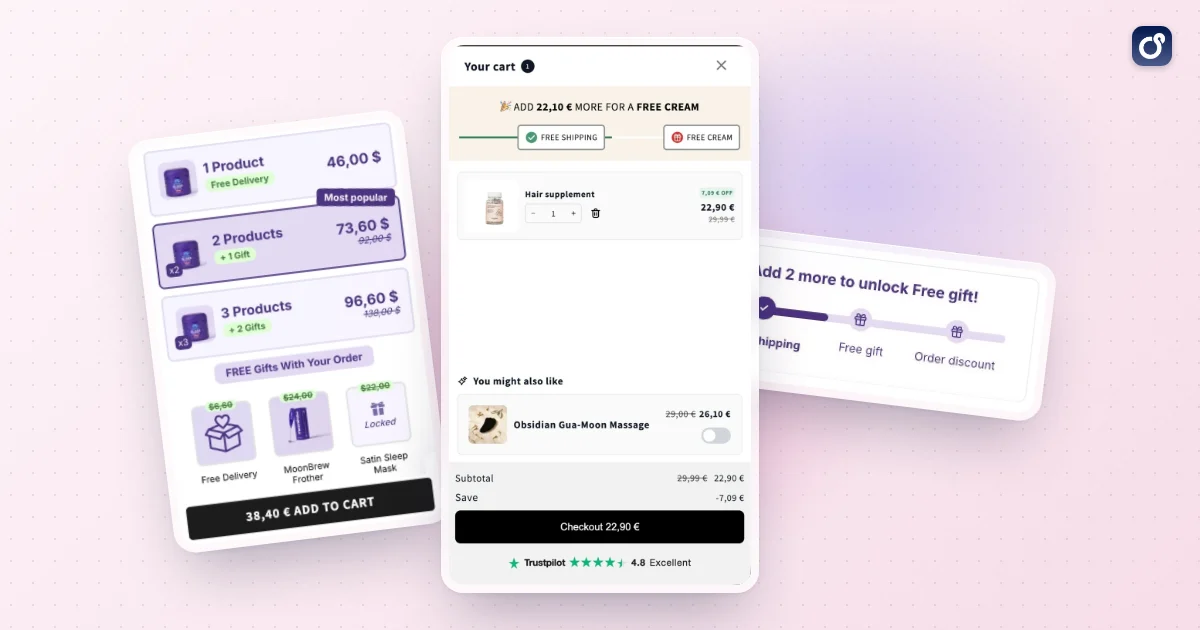
Bundles group items that belong together, such as a routine, a starter kit, or a set of complementary accessories. They reduce decision effort because the merchant has already done the matching. They also raise order value without requiring a bigger discount on a single item.
Good bundles share a clear use case. Name them by the outcome ("complete morning routine") instead of just listing items, and show the saving or added value plainly. Our guide on how to bundle products on Shopify covers the setup step by step.
Quantity breaks and volume discounts
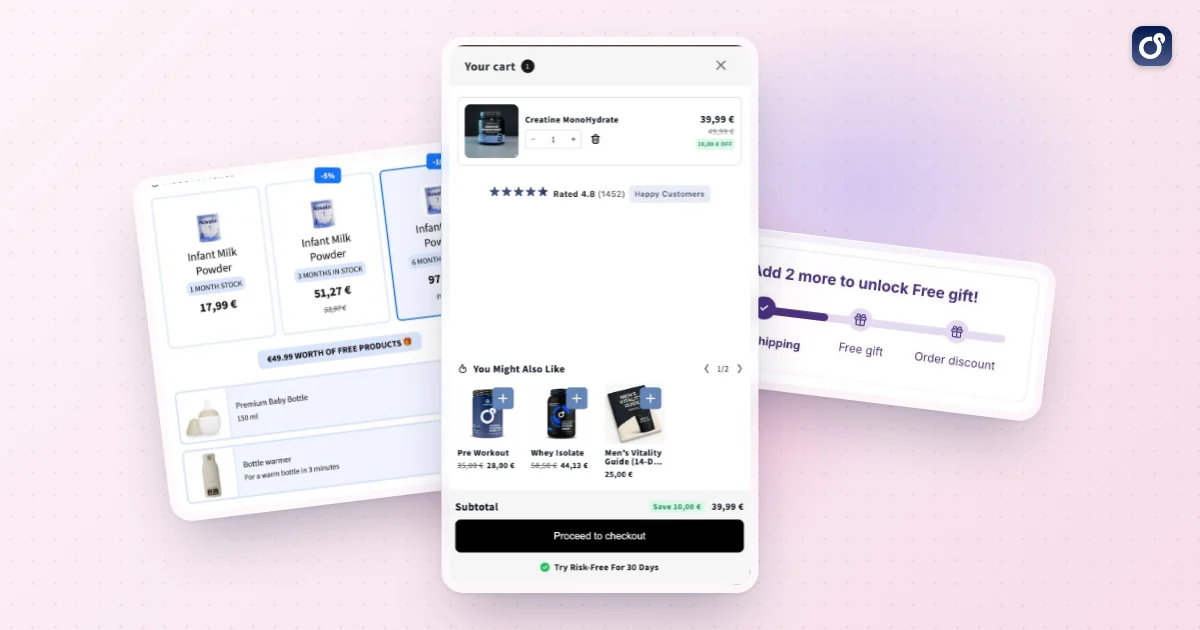
Quantity breaks reward buying more of the same item, for example a lower unit price at two or three units. They suit consumables, supplements, apparel basics, and anything customers reorder. Present the tiers directly on the product page so the shopper sees the option before adding to cart, and check that each tier still leaves you a healthy margin. See volume discounts for how Moon Bundles applies them automatically.
Cart drawer upsells
The cart drawer is a natural place for light, relevant suggestions because the shopper has already committed to a purchase. Useful patterns include a low-priced complementary add-on, a reminder of free shipping progress, or a quick upgrade to a larger size.
Keep the drawer uncluttered. One or two well-chosen suggestions usually outperform a crowded list, and the checkout button should always stay prominent. Moon Bundles includes a cart drawer and upsell module, and its plans include all four modules (bundles, volume discounts, free gifts, cart drawer) with A/B testing on every paid plan and a 7 day free trial. The same principles apply whichever tool you use.
Post-purchase and one-click upsells
A post-purchase offer appears after the order is placed, so it does not interrupt the main purchase. The shopper can add an item with one click, without re-entering payment details. Because the original order is already secured, this placement carries little risk to your base conversion rate.
For the mechanics, timing, and offer selection, read this focused guide to Shopify post-purchase upsell strategies. Choose items that complement what was just bought and avoid repeating anything already in the order.
Getting help from AI
AI can help you run this loop, as long as you keep the decisions. Moon Bundles includes an MCP connector in every plan, so you can manage your offers from an AI assistant such as Claude, ChatGPT, or Gemini. Its AI agents follow the results of your offers with your assistant and prepare the next tests for your approval, and Claude Cowork is the quickest way to start. Whatever you use, review each suggestion and drop anything that does not make sense for your customers.
How to avoid offer overload
- Show one primary offer per stage: product page, cart, post-purchase.
- Never stack several pop-ups on the same visit.
- Make sure every offer is relevant to the item in the cart.
- Protect margin by setting minimum thresholds and excluding low-margin products.
Test, Measure, and Improve Shopify CRO Over Time
Conversion optimization is a loop, not a project. The stores that improve steadily make small, measured changes, keep the winners, and revisit their funnel data on a schedule.
Build a simple testing process
A/B testing compares two versions of a page element to see which performs better. To keep tests useful, follow a consistent routine:
- Form a hypothesis. For example: "Moving reviews above the fold will raise add to cart rate because shoppers lack trust."
- Change one thing at a time so you know what caused the result.
- Pick a primary metric in advance, such as add to cart rate or revenue per session.
- Run the test long enough to cover full weekly cycles and collect meaningful volume.
- Record the outcome, including tests that failed, so you do not repeat them.
If your traffic is low, large tests may never reach a clear result. In that case, prioritize obvious fixes from your diagnosis, then use before and after comparisons carefully, while accounting for seasonality and campaign changes.
Decide what to test first
Rank ideas by likely impact, effort, and confidence. Fixes at the biggest drop-off point, on your highest-traffic pages, usually come first. Typical early candidates include product page layout, the position of reviews, shipping messaging, bundle presentation, and the content of cart drawer suggestions.
Track the right metrics together
Judge each change on more than conversion rate. Watch these together:
- Conversion rate by segment.
- Average order value and units per order.
- Revenue per session, which combines the first two.
- Refunds and support contacts, which reveal whether an offer created unhappy customers.
Keep a recurring review cadence
Set a regular rhythm, such as a monthly review of funnel data, a fresh look at recordings, and an audit of installed apps and page speed. Refresh photography and copy when products or seasons change, and recheck checkout options as your customer base evolves.
A simple starting plan
- Establish your baseline conversion rate by device and traffic source.
- Find the funnel step with the largest drop-off.
- Fix speed, mobile usability, product page clarity, and checkout friction there.
- Add one relevant offer per stage, starting with bundles or quantity breaks.
- Test changes one at a time and review results on a fixed schedule.
Following this order keeps effort focused. Raising a Shopify store's conversion rate is rarely done by one tactic. It is done by finding the real leak, fixing the experience, offering relevant value, and measuring honestly.
Frequently asked questions
How do you calculate a Shopify conversion rate?
Divide the number of purchases by the number of store sessions in the same period, then multiply by 100. For example, 30 purchases from 1,500 sessions equals a 2% conversion rate. Keep the timeframe and measurement method consistent when comparing results. A session-based rate is not the same as the percentage of unique visitors who buy, since one visitor may create multiple sessions.
Should I compare Shopify conversion rates across different traffic sources?
Yes, but compare like with like. Visitors from search, social media, email, and paid campaigns may arrive with different levels of purchase intent, so an overall rate can hide important differences. Review conversion rate alongside the source, landing page, device, and campaign goal. If one source converts less often, check whether its message matches the page visitors reach before changing the store for everyone.
What metrics should I track alongside Shopify conversion rate?
Track add-to-cart rate, checkout-start rate, checkout completion, average order value, and revenue per session alongside purchase conversion rate. Together, these measures help locate friction and show whether more orders are also producing more revenue. For example, a strong add-to-cart rate but weak checkout completion points to a different issue than a low add-to-cart rate. Use the same date range and comparable segments for each metric.
Does a higher Shopify conversion rate always mean more revenue?
No. Conversion rate measures the share of sessions that result in a purchase, not the value of those purchases. A store can increase its rate while average order value falls, or generate more revenue from fewer, larger orders. Assess conversion rate together with total revenue, order value, and profit where available. That broader view helps you avoid treating a single metric as the complete measure of CRO success.
Can I measure conversion rates for individual Shopify product pages?
You can evaluate product-page performance by comparing sessions or visitors to a page with actions such as add to cart and purchase, using a consistent measurement method. This can reveal whether a specific product page needs clearer information, stronger imagery, or better alignment with its traffic source. Interpret results carefully when traffic is limited, and compare pages with similar audiences and acquisition sources where possible.