A Shopify BOGO discount is one of the easiest promotions for shoppers to understand, which is why it shows up in so many stores. The mechanics are simple. The profitability is not, because a poorly designed offer can lift sales while shrinking profit.
This guide covers what a BOGO offer is in Shopify terms, how to create one without an app, when an app makes sense, and how to optimize and measure it. If your goal is a bigger cart, keep your Shopify average order value baseline handy before you start.
What Is a Shopify BOGO Discount and When Should You Use One?
BOGO stands for "buy one, get one." In Shopify, it is not a separate discount type. It is a configuration of the Buy X, Get Y discount, where X is what the customer must purchase and Y is what they receive at a reduced price or for free.
That framing matters because it widens what you can run. "Buy one, get one free" is only one version. You can also offer buy two and get one at 50% off, or buy a shirt and get a second item at a percentage discount.
The two parts of every Buy X, Get Y offer
Every offer has two sides, and getting each one right prevents most mistakes:
- The trigger (X): the product, collection, or quantity the customer must add to the cart.
- The reward (Y): the product or collection that gets discounted, plus the discount value (a percentage or free).
You can set both sides to the same product ("buy one, get one of the same item") or to different ones ("buy a camera, get a memory card"). The second pattern is a cross-sell in disguise and often protects margin better.
When a BOGO offer makes sense
BOGO works best when the economics and the goal line up. Good fits include:
- Clearing slow inventory: pair a slow mover as the "get" item with a popular "buy" item.
- Consumables and repeat-purchase products: shoppers happily stock up, and the second unit builds habit.
- Introducing new products: use a bestseller as the trigger to put a new item in front of people.
- Raising units per order: the offer rewards bigger baskets without a site-wide sale.
It is a poor fit when your margins are thin, when the product has a high perceived value that discounting would damage, or when most customers already buy two units anyway. In that last case you are just giving money away.
How to Set Up a BOGO Discount in Shopify Without an App
Shopify's built-in discount tools can handle a standard BOGO promotion. It is the best place to start if you want to validate demand before adding software.
Step-by-step setup
- Open the discounts area of your Shopify admin and create a new discount.
- Choose the Buy X, Get Y discount type.
- Pick the method: an automatic discount (applies without a code) or a discount code (customer must enter it).
- Define what the customer buys: the minimum quantity or purchase amount, and the products or collections that qualify.
- Define what the customer gets: the quantity, the qualifying products or collections, and the value (a percentage off or free).
- Set usage limits, combination rules, and active dates.
- Save, then test the offer in a real cart before announcing it.
Shopify updates its admin from time to time, so the exact labels may differ from the steps above.
Automatic discount or code?
An automatic discount removes friction because the reward appears in the cart on its own. A code suits email campaigns, influencer partnerships, or offers you want to restrict to a specific audience.
For a public BOGO promotion, automatic is usually the better choice. Shoppers who have to hunt for a code often abandon the cart or leave to search for coupons.
Settings that quietly break offers
Most BOGO problems come from a few settings. Check these before you publish:
- Combinations: decide whether the BOGO can stack with other product, order, or shipping discounts. Unplanned stacking can push your price below cost.
- Usage limits: cap uses per customer or in total if inventory is limited.
- Eligible items: confirm that the right collections are selected, and that sale items or gift cards are not included by accident.
- Quantity logic: a buy-one-get-one setup only works when the cart contains the required quantity of both sides.
When to Use an App to Run a Shopify BOGO Offer
The native tool is reliable for a single, clear promotion. It becomes limiting when you want the offer to be more visible, more flexible, or part of a wider conversion strategy.
Signs you have outgrown the native setup
- Shoppers do not notice the offer until the cart, so it does not influence what they add.
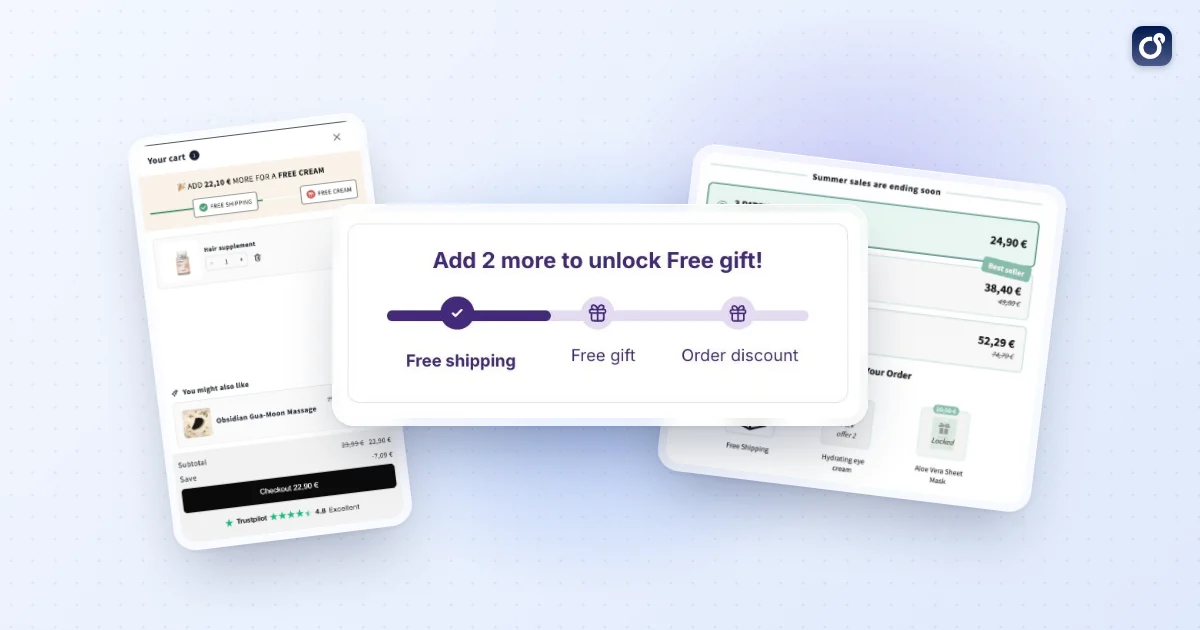
- You want a free gift or discounted item to be added automatically, with a clear progress message.
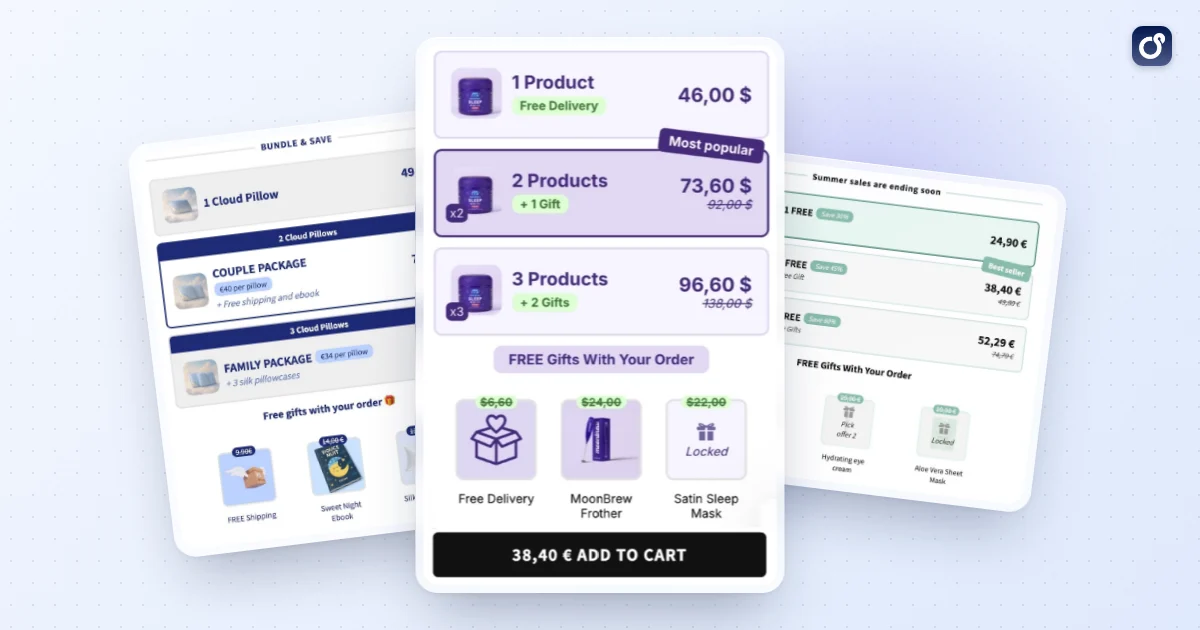
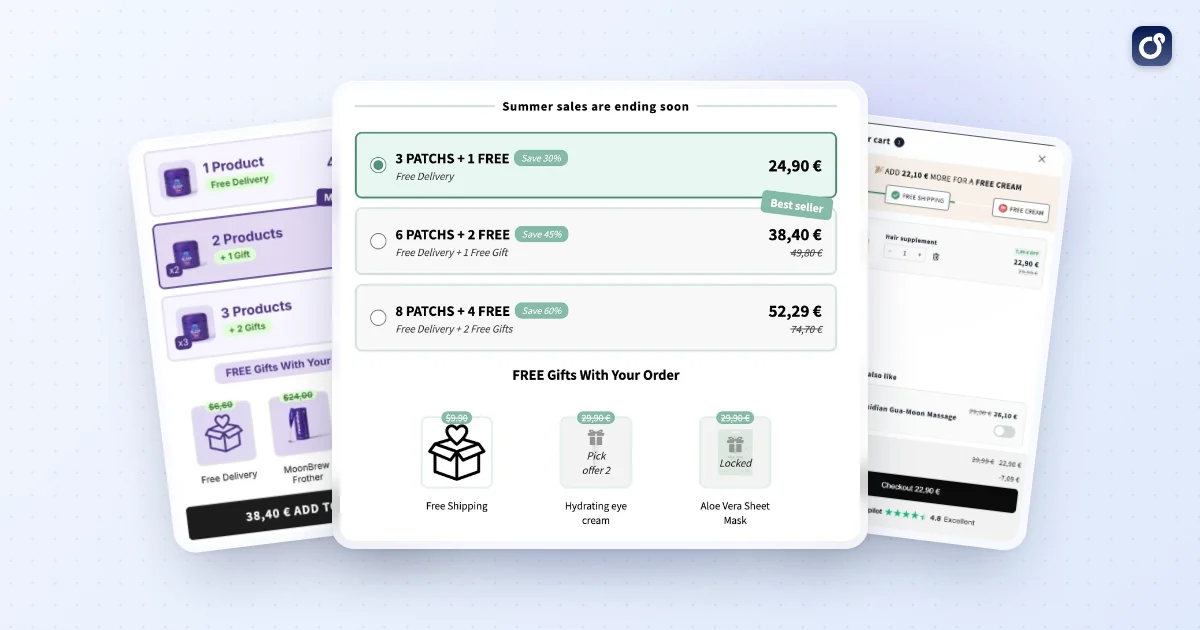
- You need several tiers, such as buy two get 10% off, buy three get 15% off.
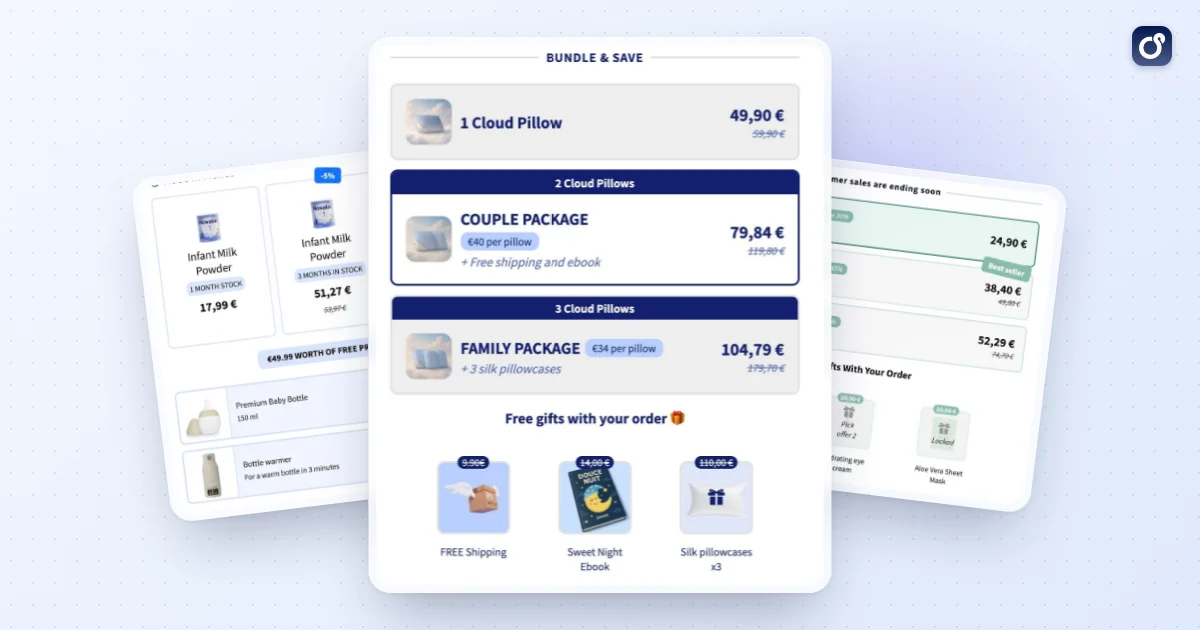
- You want to present the BOGO as a bundle on the product page, not as a hidden discount rule.
- You want to test variations without rebuilding discounts by hand.
Native tools versus an app
| Criteria | Native Shopify discount | App-based approach |
|---|---|---|
| Setup effort | Low, done in the admin | Varies by app, usually a short configuration |
| On-page visibility | Mostly shown at cart or checkout | Can be shown on product pages and in the cart |
| Tiered or quantity offers | Possible, but manual | Often built in |
| Upsell and bundle options | Not designed for it | Depends on the app |
| Cost | Part of Shopify | Usually a subscription |
Capabilities differ between apps, so check each one against your use case before installing. Moon Bundles, for example, lets you build bundles that stack volume breaks, BOGO and gifts on the same offer, with discounts applied automatically at checkout. It also covers volume discounts, free gifts that unlock with a progress bar, and a cart drawer with post-purchase upsells. That kind of toolset helps when your BOGO is one piece of a larger AOV strategy rather than a standalone promotion. A free plan is available, and every paid plan includes all four modules: see pricing.
Questions to ask before choosing
- Does it work with your theme and your cart type, including a cart drawer?
- Can it display the offer where shoppers make decisions?
- Does it report on revenue and order value, not just usage?
- How does it interact with your existing Shopify discounts?
How to Optimize a BOGO Offer for Conversion and AOV
Launching the discount is the easy part. Optimization decides whether it adds profit or just gives away margin.
Protect your margin first
Do the math before you pick the discount depth. Here is an illustrative example, not a benchmark. A product sells for $30 and costs $12 to produce and ship. Selling one earns $18 in gross profit. With a second unit at 50% off, the order brings in $45 against $24 in costs, which leaves $21. The order is bigger and still profitable, but only slightly better than a single sale.
With a full "get one free" offer, the same order brings in $30 against $24 in costs, leaving $6. That is a deep cut. Run your own numbers, including fees and shipping, before you choose the reward.
Choose the reward structure deliberately
- Same product, discounted second unit: simple and good for consumables.
- Different product as the reward: works as a cross-sell and lets you control which item carries the discount.
- Percentage off instead of free: keeps the perceived value of the product intact and protects margin.
- Minimum spend on the trigger: avoids giving rewards on very low-value carts.
Make the offer visible
An offer nobody sees does not change behavior. Mention it where shoppers decide: the announcement bar, product page, collection cards, and cart. Use plain language such as "Buy 2, get 1 at 50% off" and show the saving in the cart so the reward feels real.
If the cart is where people react, a cart drawer can display the offer and suggest the missing item. Remember that a hidden rule is much weaker than a clear prompt.
Support the offer with the rest of your funnel
BOGO works better when the surrounding experience is solid. Clear product pages, fast load times, and a trustworthy checkout all affect whether the offer converts. For a broader view, see this guide on how to increase conversion rate on Shopify.
You can also extend the order after checkout. A Shopify post-purchase upsell lets you present a complementary offer once the main purchase is complete, without complicating the BOGO itself.
Avoid common design mistakes
- Discounting your bestseller as the reward: you may be giving away units that would have sold at full price.
- Running the offer for too long: shoppers learn to wait for it, which weakens full-price sales.
- Stacking with other promotions: multiple discounts can erase your profit.
- Offering it to everyone: consider limiting it to a collection, a season, or a customer segment.
How to Measure BOGO Performance and Troubleshoot Issues
Judge the promotion by profit and order behavior, not by how many times the discount was used. A high usage count can hide a loss.
Metrics worth tracking
- Average order value: compare orders that used the offer against your baseline and against a similar period without it.
- Units per order: shows whether shoppers actually bought more.
- Conversion rate: check whether the offer moved visitors to purchase or only changed what buyers added.
- Discount cost: total discount value given versus the extra revenue it generated.
- Gross margin per order: the true test of whether the offer paid for itself.
- Repeat purchase rate: useful if you use BOGO to acquire customers for consumable products.
Measure net revenue after discounts and before shipping and tax, so a shipping change does not look like an AOV change. Look at the spread of order values too, not only the average, since a few large orders can mask the typical result.
Run a clean test
Set a start and end date, write down your baseline, and change one thing at a time. If you alter the reward, the placement, and the traffic source at once, you will not know what worked. Compare similar periods and account for seasonality, ad campaigns, and email sends.
Troubleshooting checklist
- The discount does not apply: confirm the cart has the required quantity of both the trigger and reward items, and that both are in the selected products or collections.
- The reward applies to the wrong item: review which items are eligible on the reward side, and check how the discount picks among eligible items.
- It conflicts with another discount: check combination settings on every active discount, not just the BOGO.
- A code is rejected: check active dates, usage limits, and customer eligibility.
- Shoppers do not use the offer: the issue is usually visibility or perceived value, so move the message earlier in the journey.
- Orders rise but profit falls: reduce the discount depth, raise the trigger threshold, or swap the reward item.
Always test with a real cart on desktop and mobile, in a private window, before and after any change. Check the cart page, a cart drawer if you use one, and checkout, because the display can differ between them.
What to do with the results
If the offer raised AOV and held margin, keep it running on a defined schedule and consider testing a tiered version. If it only shifted purchases forward, narrow it to specific products. If it lost money, change the reward structure rather than simply ending the idea, because a better-designed offer may still fit your goals.
A Shopify BOGO discount is a tool, not a strategy. Treat each version as a test, keep the math visible, and let the data decide what stays.
Frequently asked questions
Does a customer need to add the free item to the cart for a Shopify BOGO offer?
Usually, yes. For a Buy X, Get Y discount, the qualifying purchase and the reward item generally need to be in the cart for the discount to apply. The reward may not be added automatically just because the customer qualifies. Make the required items and quantities clear on the product page or in the offer terms, then test the cart and checkout flow to confirm how the discount appears.
Can a Shopify BOGO discount apply to specific products or variants?
Yes. A Buy X, Get Y rule can be set up around selected products or collections, so the qualifying purchase and reward do not have to include the entire catalog. Check the eligible items and variants in the discount settings, especially if only certain sizes, colors, or product versions should qualify. Test both an eligible and an ineligible combination in the cart to catch unintended discounts.
Can customers combine a Shopify BOGO discount with another discount?
It depends on the discount's combination settings and whether the other discount is compatible. Shopify lets merchants configure whether eligible discounts can combine with other product, order, or shipping discounts. Review those settings for each offer rather than assuming discounts will stack, and test the combinations customers may use. Clear terms also help prevent confusion when a code or automatic discount does not apply alongside the BOGO.
How is the discount calculated when the qualifying item and BOGO reward have different prices?
The result depends on the reward rule you configure, such as making a selected item free or applying a percentage or fixed amount off. A BOGO offer does not automatically mean that the lower-priced item is always free, so check which product receives the discount and how the cart displays it. Review the effective markdown against your margins before publishing, especially when customers can choose from items with different prices.
What inventory should merchants monitor during a Shopify BOGO promotion?
Track stock for both the qualifying products and the reward items. Each redemption can use inventory from more than one product, and a reward item may sell out before the qualifying item. Confirm that the selected reward remains available, review inventory across variants, and decide how the offer should behave if a qualifying or reward product becomes unavailable. Test the cart with low-stock or unavailable items to check the customer experience.